
Video editing
Turn a raw recording into a finished video
The editor is part of the app — no exporting to another program.
Timeline
A multi-track timeline
Split at the playhead, delete what you do not want, drag clips and trim their edges. Add overlays, music and voiceover on their own tracks. Ctrl+Z brings anything back.
- Split, trim, copy and paste with keyboard shortcuts
- Video, overlay, music and voiceover tracks
- Projects autosave and recover after a crash
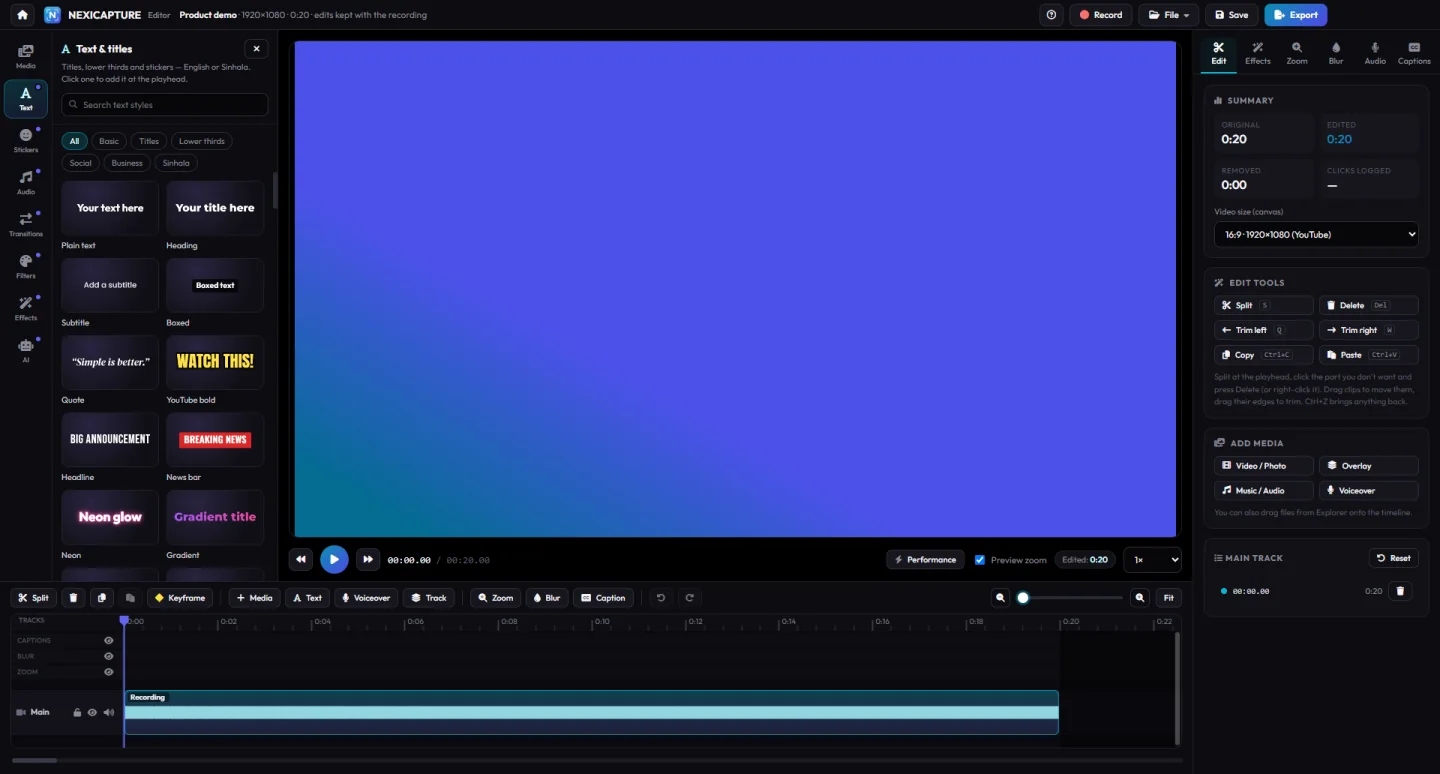
Text & titles
Titles that look designed
Headings, lower thirds, subtitles, quotes and social call-outs, in English or Sinhala. Click a style to add it at the playhead, then edit the text.
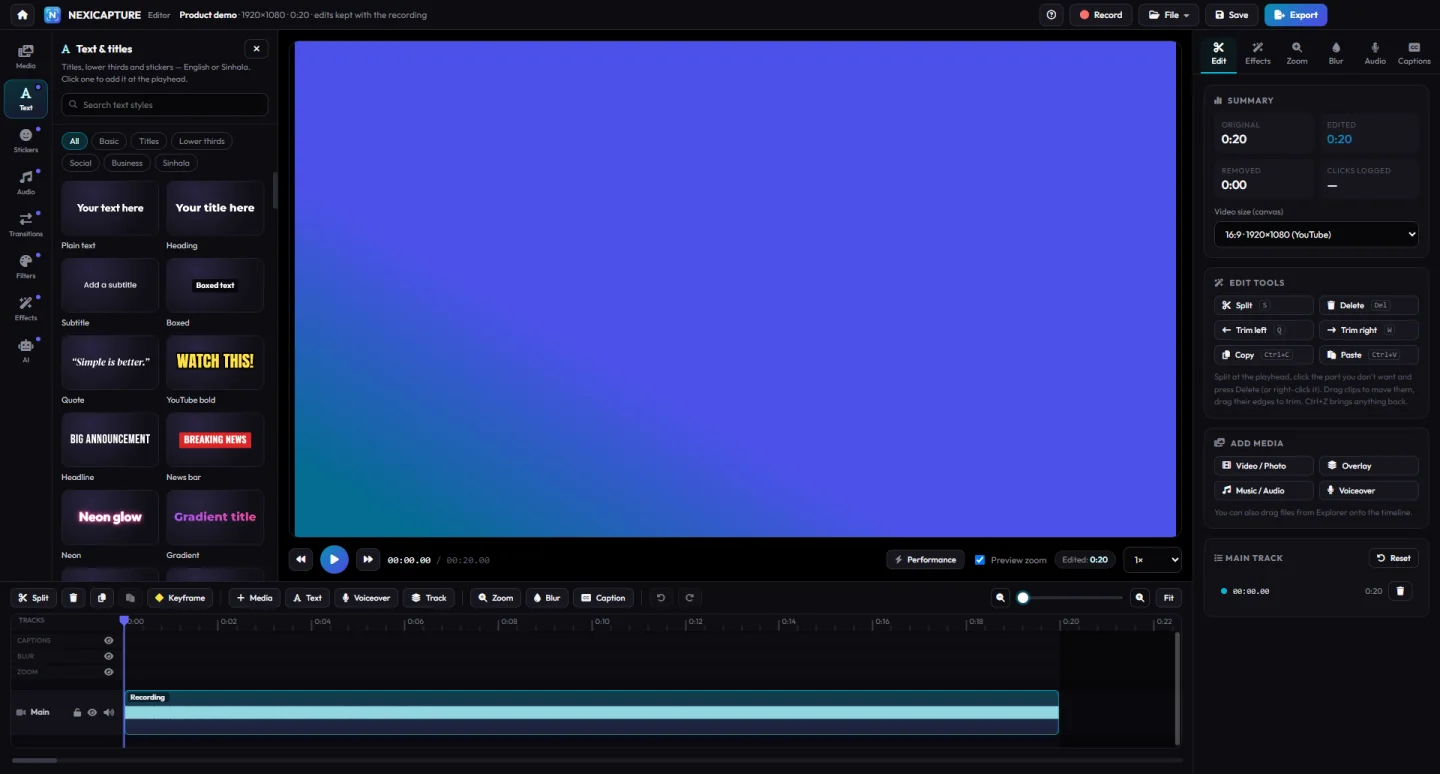
Transitions & filters
Polish without the busywork
Drop transitions between clips, apply filters and looks, and animate anything with keyframes. Change speed, freeze a frame or play it in reverse.
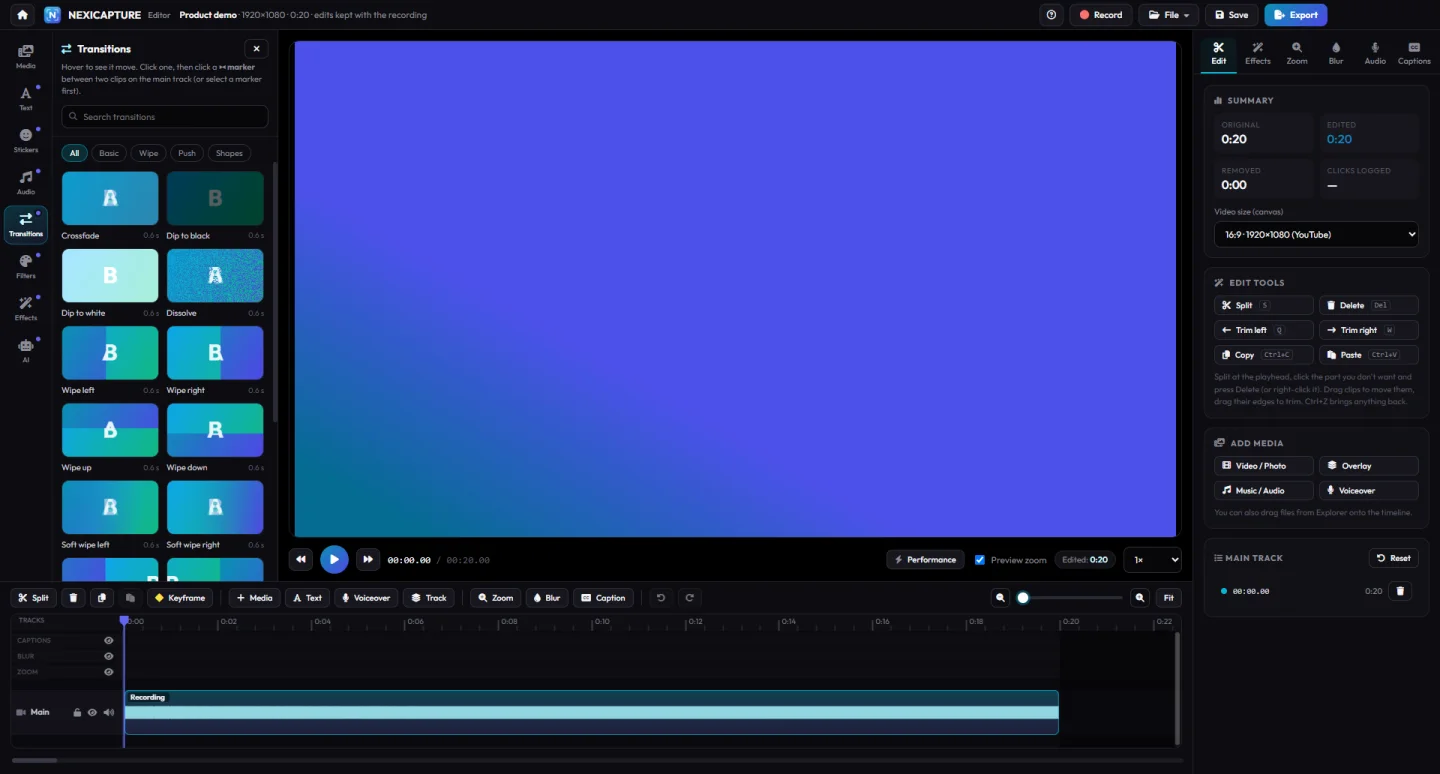
Sound
Music that gets out of the way
Add music and sound effects, record a voiceover, and let auto-ducking lower the music while someone is speaking.
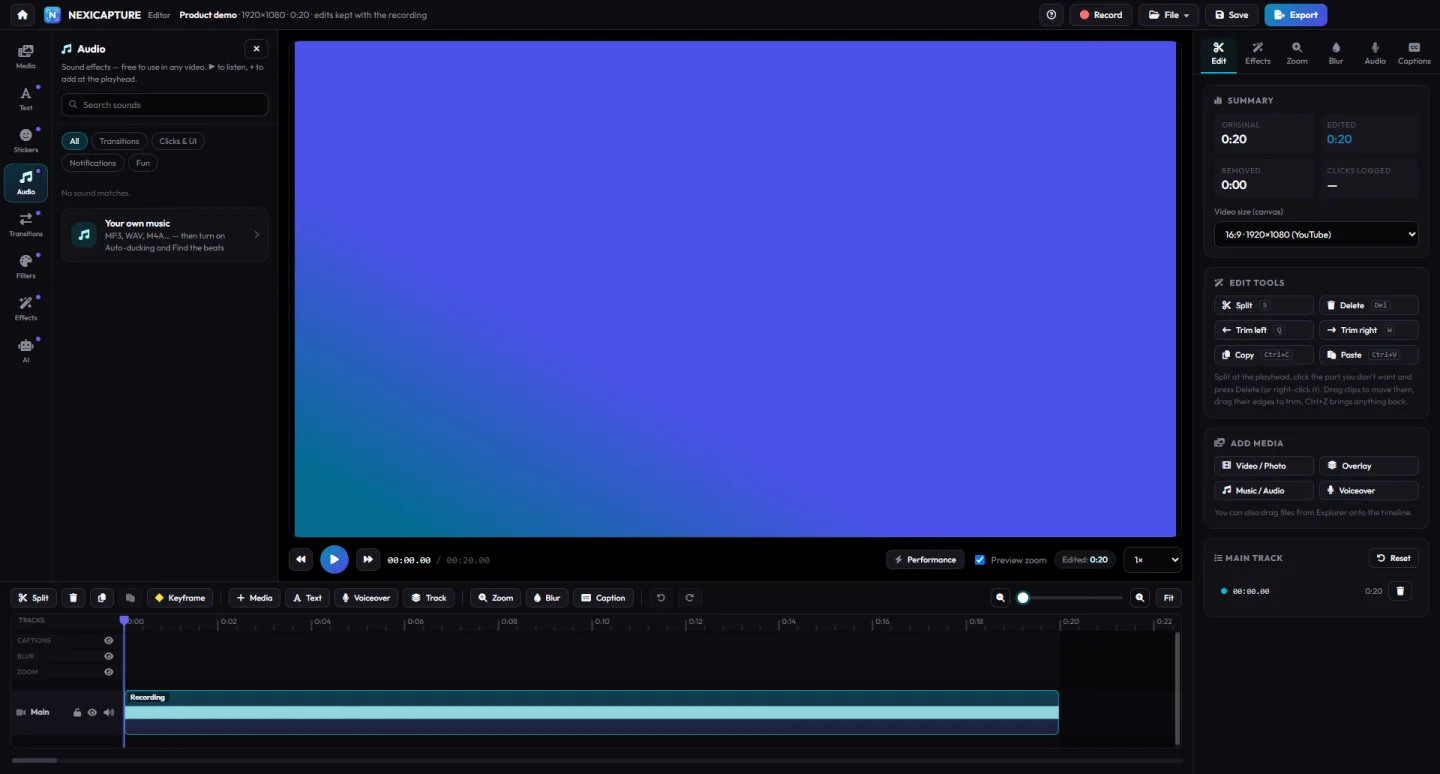
All editing features
In the editor
Multi-track timeline
Split, trim, move and layer video, overlays, music and voiceover.
Titles and text styles
English and Sinhala titles, lower thirds and call-outs, with text animations.
Transitions and filters
Transitions between clips, filters and looks, and stickers.
Keyframes and zoom
Animate position, size and zoom over time; zoom in on what matters.
Speed, freeze and reverse
Speed up the boring parts, freeze a frame or play a clip backwards.
Stabilize and enhance
Steady shaky footage and clean up noise and blockiness.
Music, sound effects, auto-ducking
Add music and effects; the music gets quieter while someone talks.
Templates
Start from a template for intros, tutorials, promos, shorts and slideshows.
Projects with recovery
Save as .nexiproj; unsaved work is recovered after a crash.
Questions
About editing
Which files can I edit?
Your recordings, and video files such as MP4, MKV, WebM and MOV, plus photos and audio. Heavy files can be edited with lightweight proxies.
Which formats can I export?
MP4 (H.264 + AAC), animated GIF and MP3, with presets for YouTube, Shorts, TikTok, Reels, Facebook, WhatsApp and e-mail.